What logo format works for textile printing?
The right logo format for textile printing is vector (AI, EPS, SVG or vectorized PDF) for screen printing and embroidery; for DTF transfer or DTG printing, a transparent-background PNG is enough, as long as it reaches 300 DPI at print size.
The essentials in 4 points:
- Vector (AI, EPS, SVG, vectorized PDF) is the format for screen printing and embroidery; a high-definition PNG works for DTF and DTG as long as it is sharp.
- To find out whether a logo is vector, zoom in to 400%: a vector file stays sharp, a pixel image blurs.
- Beyond the format, the number of colors and how fine the details are also matter on a personalized garment.
- No vector file? It can be traced for free online; the tknp.io designer, for its part, vectorizes a simple one-color logo uploaded as a PNG, with one button.
Why your file got rejected
You sent your logo for screen printing or embroidery, and the answer came back: file not usable. The cause is often easy to spot with the naked eye. Zoom into your logo at 400%: if it turns blurry or pixelated, it's built from a grid of small color squares (pixels), not shapes, whereas these two techniques need a traced outline. In DTF transfer or DTG, the same image works if its resolution is high enough at print size; if it isn't, the blur becomes a real flaw once enlarged on the garment.
A vector file doesn't have this problem: it's built from curves and mathematical shapes, not pixels. You can print it large on a back or shrink it to a chest logo or a cap, it stays sharp.
The formats that work, and the ones that cause problems
| Format | Type | Usable as is? |
|---|---|---|
| AI, EPS, SVG, vectorized PDF | Vector | Yes, for every technique (in the designer, as SVG; an AI or EPS file goes with a quote, converted to PDF) |
| PNG, JPG | Raster (pixel image) | Yes for DTF transfer and DTG, in high definition, with a transparent background for a PNG (a JPG has none); no for screen printing or embroidery, where it has to be vectorized |
| BMP | Raster | No: the tknp.io designer takes PNG, JPG, WebP and SVG |
| PSD (Photoshop) | Mixed | No: the designer doesn't read this format, export it as PNG or SVG |
For screen printing or embroidery, one special case: if your only file is a very high definition JPG, with a simple design (few details, few colors), it can often be vectorized without loss. A blurry, pixelated, or overly detailed file is the real problem.
If your technique needs a vector file and all you have is a JPG or a PNG, no software needed: depixelise.com, our group's free tool, traces it in about ten seconds, no signup. For a trickier logo, our guide to vectorizing a logo compares three ways to get there, including a free one.
When a pixel image is printed as is, in DTF transfer or DTG printing, a simple rule applies: at least 300 DPI (dots per inch, the image density) at the actual print size, as our decoration page asks. Below that, even a well-chosen JPG comes out blurry once enlarged on a garment.
Beyond the format: is your logo built to be printed?
A clean file isn't enough if the design itself isn't made for textile. Three things to check before sending your logo:
The number of colors. A logo with 8 different colors makes printing or embroidery harder and can push the price up depending on the technique chosen. Two or three solid colors will print with almost any technique, and read better from a distance once the garment is worn.
How fine the details are. A 6-point font or a very thin line can look sharp on a screen and disappear in print, or break apart in embroidery (thread can't reproduce a detail smaller than a certain threshold). Logos that age well on a garment are the ones that stay readable even simplified.
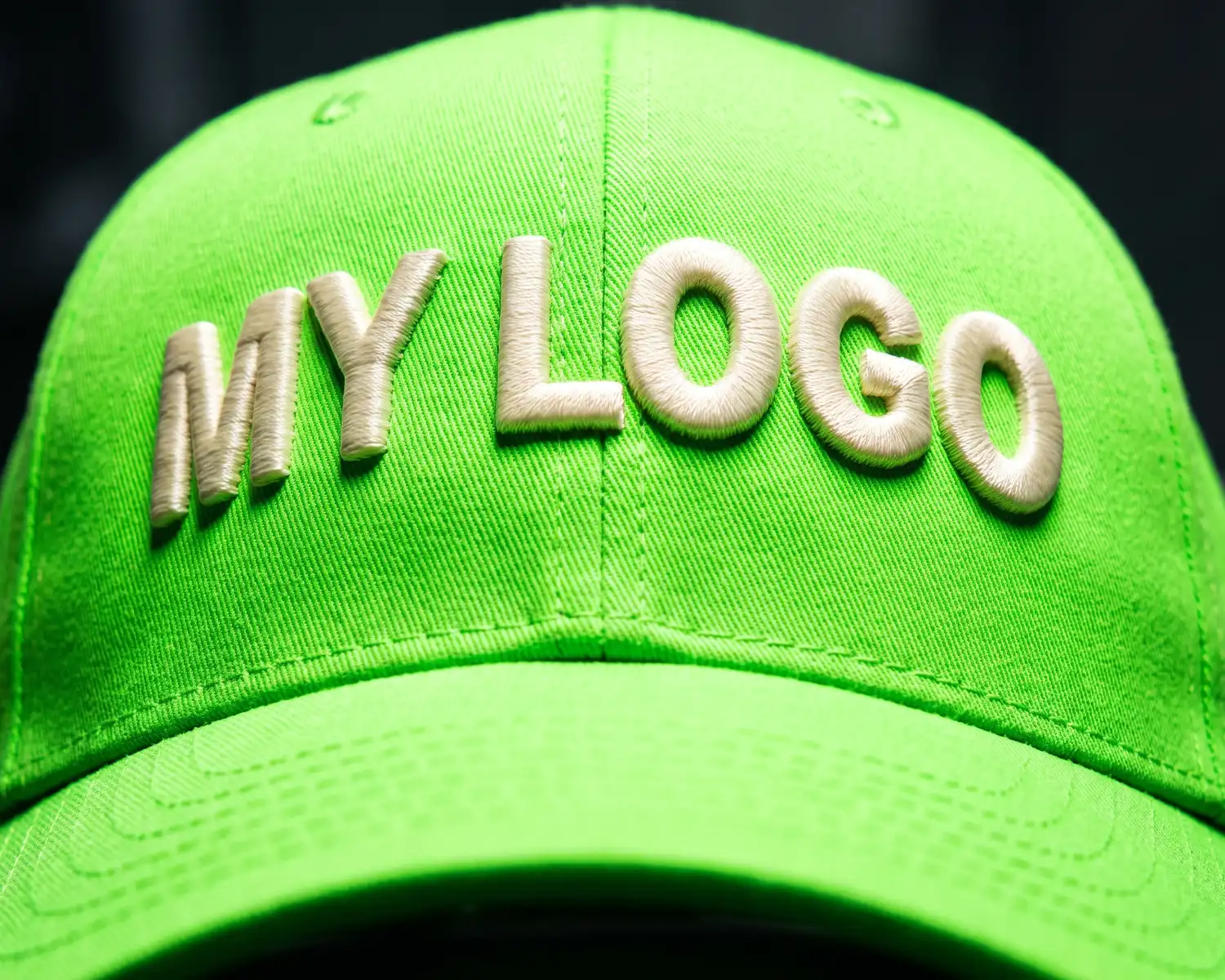
The print size. The marking area has a maximum size, around 28 cm wide on a back, and that limit doesn't change with the garment's cut; on a cap, it comes down to 120 × 70 mm. A logo designed for a large format (a poster, a website) needs to be checked at this real size: does the text stay readable, do the details get lost?
No vector file: what the tknp.io designer does
No vector file, or not sure if yours is good enough? The tknp.io designer measures your logo's resolution as soon as you upload it and warns you if it's too small for the chosen size, and it flags details too fine to embroider: you know before your merch goes into production, not after you receive the package. It also vectorizes a simple one-color PNG itself, with one button; a busier logo still prints as is, as an image, in DTF or DTG.
Frequently asked questions
How do I know if my file is vector?
Zoom into it at 400% in an image viewer. If the edges stay sharp, it's vector (or a very high resolution raster image). If it turns blurry or pixelated, it's a standard raster image (JPG, PNG), which can still work in DTF or DTG if it reaches 300 DPI at print size.
Who vectorizes my logo if I don't have the right file?
At tknp.io, the designer handles it for a simple one-color PNG, no software or design skills needed on your end. For a more complex logo in screen printing or embroidery, our workshop prepares the file, and a redraw may be quoted separately.
Is there a minimum text size for a logo?
Yes: our logo preparation guide asks for at least 5 mm of height for printed text and 6 mm for embroidered text. Check it at the real size of the marking, up to about 28 cm wide on a back, not at the size you see the logo on a screen or a poster.
How many colors can I put in my logo?
There's no strict cap, but a logo with 2 or 3 solid colors stays the simplest to mark and the most readable once worn. The more colors there are, the more complex or costly some marking techniques become.
Your project, quoted within 24 hours.
Describe your garments, your decoration and your quantities: you receive a detailed quote, decoration included, within one business day.