Customising a t-shirt: the techniques, the price per piece and the minimum order
Your t-shirts with your logo can be ordered on tknp.io from 10 per model. On 6 November 2026 (indicative): a B&C #E150 in A6 DTF transfer costs 7.41 EUR excluding VAT per piece at 10, 4.65 EUR at 50; a Creator 2.0 in organic cotton, 12.64 EUR then 9.46 EUR.
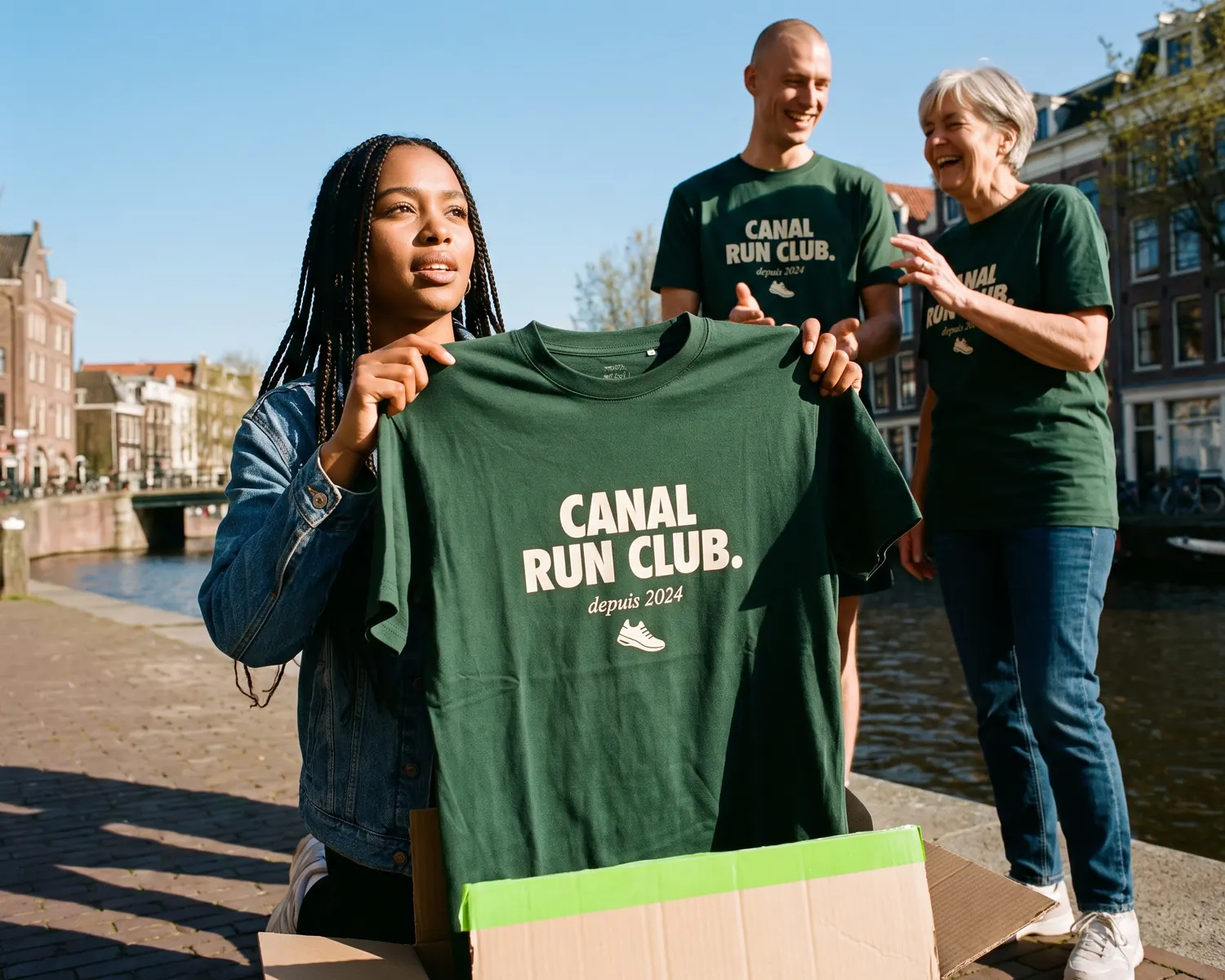
A t-shirt with your logo, for a team, an association or a brand, is often the first merch people launch. Here is what it costs, how many you need to order, then the seven steps in order, with the right reflexes at each one.
How much does a custom t-shirt cost?
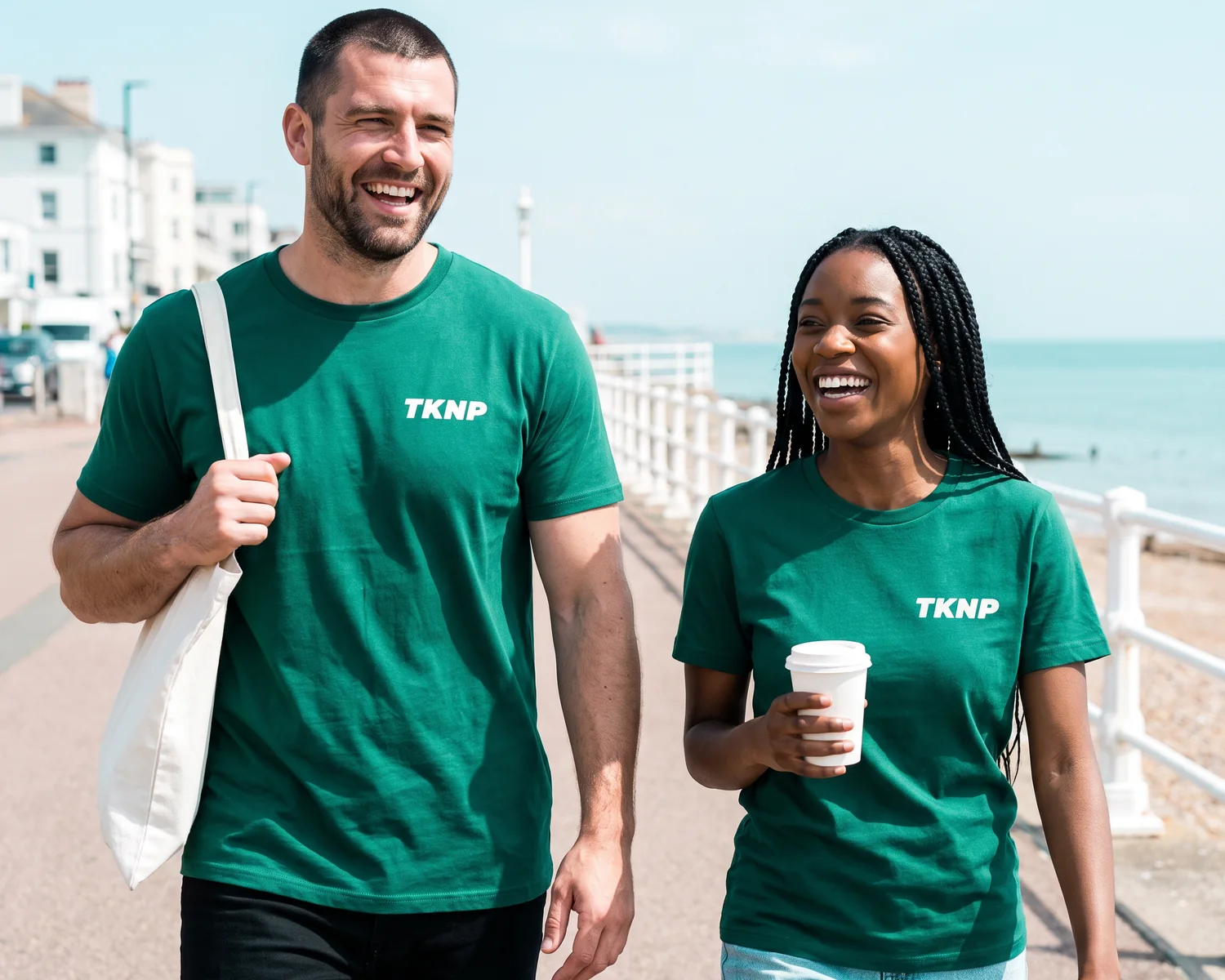
The price of a custom t-shirt depends on the model, the technique, the number of prints and the quantity. Take the B&C #E150, with your logo printed as an A6 DTF transfer, roughly 10 by 15 cm: on tknp.io, it goes from 7.41 EUR excluding VAT per piece for 10 units to 4.14 EUR for 100; in organic cotton, the Stanley/Stella Creator 2.0 goes from 12.64 EUR to 8.77 EUR, and costs 11.46 EUR at 50 with an 8 × 10 cm embroidery.
Taken from each product page on 6 November 2026, these prices are indicative: they exclude VAT and shipping, and apply to the model's base colour and usual sizes, with production in two weeks, for a single placement. A bigger design, say across the back, gets its own price in the designer. The lowest decorated price in the #E150 grid, 2.70 EUR excluding VAT, is for 1,000 t-shirts screen printed in one colour. Being thin (145 g/m²), the #E150 is better suited to printing; the Creator 2.0, at 180 g/m², also takes embroidery.
On a small run, the unit price is higher: the product page shows every tier. For a full calculation on a real order, our article on the price of 100 custom t-shirts goes through every line of the quote.
What is the minimum order for a custom t-shirt?
On tknp.io, an order of custom t-shirts needs at least 10 pieces of one model, whatever the mix of sizes and colours, and that threshold applies to every technique.
A single t-shirt, on the other hand, can only be bought blank: the blank #E150 can be ordered as a single piece, at 2.49 EUR excluding VAT.
Beyond 10 t-shirts, the price drops in tiers, shown on the product page before you ask for anything, and how those thresholds are counted, model by model, is covered in our guide to order minimums.
Customising a t-shirt in 7 steps
- Choose the t-shirt.
- Prepare your logo.
- Choose the printing technique.
- Set the placement and size.
- Split the sizes.
- Check the preview.
- Order and choose your lead time.
1. Choose the t-shirt to customise
Choosing the t-shirt comes down to three criteria: fabric weight, cut and material. A heavier t-shirt holds its shape and a large design better, a loose cut gives a more streetwear look, and organic cotton reassures a community that cares about what it wears.
The tknp.io catalogue has 85 t-shirt models in 100% organic cotton, easy to find with a filter. To go further, our guide covers choosing the fabric weight. Another compares the different cuts.
2. Prepare your logo
To customise a t-shirt, a vector file gives the best result, but a high-definition PNG works in most cases. What matters most is a sharp image, with no stray background, at the right size.
If you are unsure about the format, our article on which file format to choose for your logo goes through the files that work and those that cause problems. And if your design is a photo rather than a logo, printing a photo on a t-shirt has its own image quality rules.
3. Choose the printing technique
To customise a t-shirt, the technique is chosen according to your design, the quantity and how the t-shirt will be used, and on tknp.io three techniques can be bought online from 10 t-shirts, DTF, screen printing and embroidery, while direct-to-garment (DTG) printing and patches are priced on request. Each technique is explained in our textile printing guide. For an embroidered logo, what to know before embroidering a logo comes down to a few rules on size and contrast.
You don't have to decide alone: in the tknp.io designer, the printing technique is suggested to you based on your logo and the number of t-shirts. And to decide with figures in hand, the embroidery or print page puts the techniques side by side with the print price at 10, 50 and 100 t-shirts.
4. Set the placement and size
Placement depends on the message: a small chest logo for a subtle look, a large back design for a real statement. The print width tops out at around 28 cm, whatever the cut of the t-shirt.
Two simple rules avoid bad surprises: no more than two prints per t-shirt, and the same technique for both, because chest embroidery and a back print would age at different speeds.
5. Split the sizes
On tknp.io, you split the sizes of your t-shirts to match your team. Big sizes and a few colours cost slightly more, which shows as soon as you pick them, and your estimated delivery date appears in the basket ahead of payment.
6. Check the preview before ordering
Before ordering, check the preview: the tknp.io online designer shows your logo on the t-shirt, at the chosen placement and size, with the price updated with every change. This is the moment to judge whether fine text is legible or whether the contrast works on a dark t-shirt. And if your text spells out the garment's own name in French, our article t-shirt or tee-shirt says which spelling to print.
Also read the print proof of each t-shirt before production: our guide lists the checks to make on a print proof.
If you are starting from scratch, "Create my collection", in the site's Create menu, goes further: you say who you are, and nine garments for your sector are put forward, already dressed with your logo.
7. Order and choose your lead time
On tknp.io, you choose the lead time for your custom t-shirts when you order. Our FAQ page gives "10 working days of customisation as standard"; the short option takes 5 working days, "express (+10%)", and the long one 20, "economy (−5%)". Then allow 1 to 2 working days of delivery in France. For a dated event, start from the date and work back through the calendar.
For t-shirts that the product pages do not cover, tknp.io replies to a quote request within 24 working hours, and the information to give for a t-shirt quote saves you the back and forth.
Reordering the same batch
On tknp.io, a successful batch of t-shirts can be reordered online: the custom t-shirt stays in your account's wardrobe, and the pro account, which is free, keeps the whole team's quotes and orders in one place. Handy for the following season or a growing team, bearing in mind that a new run also starts at 10 t-shirts.
The designer does almost everything for you, free of charge
Seven steps is the theory. In the tknp.io designer, most of the work is already done: you place your logo, the designer suggests the printing technique that suits your design and your quantity, and both the preview and the price update with every adjustment. Using it is free: you only pay when you order.
To try it, open the page of a t-shirt from the catalogue, such as the #E150 model from B&C, and launch the designer. The whole range of customisable t-shirts works the same way.
And if your plan is to sell these t-shirts to your community, you can already do it without stock to manage with the tknp.io Store: opening it is free and reserved for verified organisations, and your members reserve their t-shirt during a pre-order campaign.
Key takeaways
- On tknp.io, custom t-shirts start at 10 units of one model, in any mix of sizes and colours; blanks, at one.
- The price per piece drops with quantity: a #E150 with a logo in A6 DTF transfer goes from 7.41 EUR excluding VAT at 10 to 4.65 EUR at 50 (indicative prices of 6 November 2026).
- Three techniques can be bought online (DTF transfer, screen printing, embroidery); the designer suggests the technique, shows the preview and the price with every change, and it is free.
- The standard lead time is 10 working days of customisation, plus delivery.
Frequently asked questions
Can you see the result before ordering your t-shirts?
Yes. On tknp.io, the online designer shows your logo on the t-shirt, with the price, every time you adjust the placement, size or technique.
Can you customise a t-shirt without having a logo?
Yes. The site's Create menu offers "My logo", to find it, retouch it or create one "in a minute", in its own words. Once ready, the logo goes onto the t-shirt in the designer, just like an uploaded file.
Your project, quoted within 24 hours.
Describe your garments, your decoration and your quantities: you receive a detailed quote, decoration included, within one business day.