
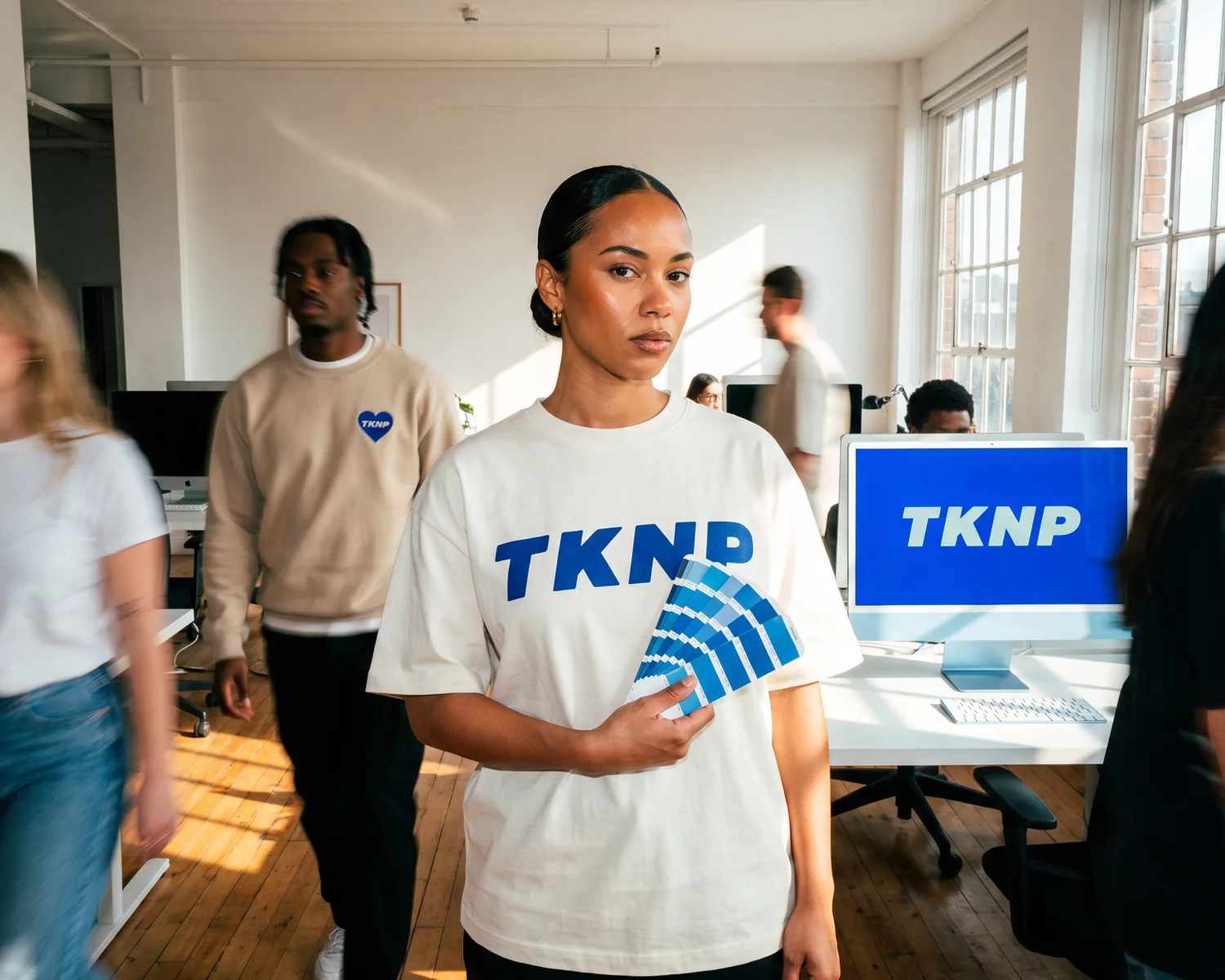
Printed color that doesn't match the screen: how to avoid it?
To keep your brand color on the logo of your custom garments, give its Pantone reference, not a screen color. A screen emits light (RGB); fabric reflects the surrounding light, filtered by its inks (CMYK) or its threads, and its own color changes the result.
What to know about printed color:
- A screen makes its colors with red, green and blue light (RGB), a print with inks that absorb part of the light (CMYK): some screen shades, very bright or neon, cannot be reached in four-color printing.
- A Pantone reference names a precise color that can be read without a screen: that is what you need to pass on, with its suffix (C, U or TCX).
- On a garment, screen printing aims at the shade with an ink prepared for it, DTF and DTG approach it in four-color printing, and embroidery takes the closest thread.
- At tknp.io, the designer, free to use, is there to place the logo and choose its technique; its preview remains a simulation: for a brand shade, write its Pantone reference in a quote request.
Picture the scene: the blue of the logo was vivid on the computer, it looks darker on the sweatshirts delivered to the club. Nobody used the wrong file: if the printed color is different from the screen, it is because a screen and a fabric do not make color the same way. Understanding the gap lets you order your custom merch without a bad surprise: which reference to pass on, which technique to choose, what to check before the run.
Why is the printed color different from the screen?
A screen and a print do not make color the same way, hence the color gap between them. A screen emits light by adding red, green and blue light together, and their sum gives white: this is additive color mixing. Ink, on the other hand, absorbs part of the light that falls on it and only reflects the rest: this is subtractive color mixing, the principle behind all color printing.
Going from one to the other is therefore never a simple conversion: the match between a computer, which works in light, and a printing machine, which works in inks, remains approximate. And a screen produces its own light, while a printed fabric depends on the light that falls on it: its result changes with the lighting.
The garment color adds to the gap: our terms of sale sum it up in one sentence, the result on fabric "depends on the material, the technique and the colourway". What the fabric color does to the logo, from the white underbase to shades that vanish on black, is covered in our article on printing a black t-shirt.
RGB and CMYK: what is the difference?
RGB (red, green, blue) describes a color made of light, the one on your screen: the three lights together give white, their absence gives black. CMYK (cyan, magenta, yellow, black) describes a color made of inks, the one used in four-color printing. Black is added to the three color inks because it gives deeper blacks than their mix, and sharper text.
Which screen colors cannot be printed?
The brightest colors on a screen cannot all be printed. Every process has its gamut, the full set of colors it can reproduce, and a color outside it is replaced by the closest printable color, usually duller, as if washed with white. Some oranges and purples escape four-color printing this way: to reach them, Pantone developed a six-ink process, hexachrome, in the 1990s.
Neon takes the problem to the extreme. The Pantone swatch system has grown to include fluorescent shades, because CMYK cannot produce every shade: in four-color printing, a neon from the screen becomes the closest printable color. At tknp.io, neon does not appear in any of our online decoration techniques: if your logo depends on it, ask in a quote request.
Why do two screens not show the same color?
Two screens do not show the same color because each has its own technology and settings. The monitor maker BenQ notes that two LCD screens of the same model can already differ, because of variations in their backlight and color filters; calibration reduces these gaps without removing them. The blue you approve on your computer is therefore neither the one your graphic designer sees nor the one the person preparing the print will see.
What is a Pantone reference, and which one should you give?
A Pantone reference is the number of a color in a standard swatch system, the Pantone Matching System, created in 1963 for printing: "Pantone 123 C" means the same shade for you, your graphic designer and whoever will print it, without going through a screen. Its principle is the opposite of four-color printing: a Pantone color is an ink mixed separately, before printing, not a shade rebuilt from four inks.
The suffix matters as much as the number, because the surface changes the color, even at Pantone. C stands for the shade on coated paper, U on uncoated paper, and Pantone prints its guides on both to show how each color appears on them. Textiles even have their own system, Pantone Fashion, Home + Interiors: 2,625 colors, whose cotton version carries the TCX suffix, numbered differently from the inks.
Which one should you give? The one in your brand guidelines, copied exactly, suffix included. It says which shade to aim for and on which surface it was defined.
Which technique respects the logo color best?
For color accuracy, screen printing is the technique that best respects a precise logo shade, because it prepares one ink for each color; DTF and DTG approach it in four-color printing, and embroidery translates it with the closest thread from a shade card. For everything else, from quantity to wash resistance, our textile decoration guide puts the techniques side by side.
Screen printing: one ink prepared for each color
Screen printing aims most directly at a Pantone reference, because it prints each color of the logo with its own ink, and a Pantone color is, by principle, an ink mixed for one shade. On our screen printing page, the process reads in three steps: one screen engraved per color, ink laid color by color, then heat-cured, for dense, covering flat colors, including on dark fabric.
Its limit lies in gradients and photos, hard to reproduce because they go through a halftone of dots. At tknp.io, the screen transfer page, a screen print made on paper and then pressed onto the garment, quoted on request from 25 garments, promises in black and white "faithful Pantone colours".
DTF and DTG: four-color printing, as close as possible
DTF transfer and DTG printing reproduce a Pantone color as closely as possible, with no guarantee of an exact match, because they print in four colors: the shade is rebuilt from cyan, magenta, yellow and black inks instead of being prepared separately. Pantone even publishes a guide, the Color Bridge, that places each of its ink colors next to its closest CMYK equivalent: the word "closest" says it all.
Very bright brand colors lose a little of their glow. In return, these two techniques print photos and gradients, and at tknp.io a gradient costs no more than a flat color, since four-color printing has no extra cost per color.
Embroidery: the closest thread in a shade card
Embroidery reproduces a logo color with the closest thread, chosen from the thread maker's shade card: it mixes no ink, it translates the design into threads, with no gradient possible. An embroidery thread maker matches one of its polyester thread shades with two Pantone references and nine others it rates as "similar": a single spool covers a small family of shades. The same maker asks customers to choose from its physical shade card, because colors shown on screen are less precise than the real thread.
Thread also has its own sheen, which our embroidery page highlights along with its relief: with the same reference, an embroidered logo does not read like a logo printed in matte ink. Its other strengths, and its cost, are worked out in our embroidery guide.
Does the print proof show the real color?
A print proof (BAT in French, for "bon à tirer") shown on a screen does not show the real color: it goes through the same screen as your design, with the same limits. At tknp.io, the proof reaches you online, almost straight away; our terms of sale, for their part, warn that the visual shown in the designer, which they call the studio, "is a simulation".
A proof is therefore mainly there to check two of your choices, the garment color you picked and the decoration technique, without judging shades. The exact logo shade cannot be approved on a screen: that is the job of its Pantone reference, written in your quote request. The other points to check, from the text to the dimensions, are in our guide to approving a print proof.
How do you avoid a bad color surprise?
To avoid a bad color surprise on custom garments, pass on a reference rather than a screen color, choose the technique according to the color and judge the fabric for real. In order, six steps:
- Give a reference, not a screenshot. Write the Pantone reference from your brand guidelines, suffix included, in your request. At tknp.io, a quote request is written "in your own words" and takes the logo file as an attachment: that is the place to write "yellow Pantone 123 C" in full.
- Supply a vector file. Our pages say so: a vector file gives the best result, and its colors stay as clean flat areas. For the right format, and how to fix yours, see which logo format to choose for textiles.
- Choose the technique according to the color. Strict brand shade: screen transfer, with its "faithful Pantone colours", or screen printing, with the reference given in step 1. Photo or gradient: DTF or DTG, approximate shade. Embroidery: the closest thread.
- Be wary of neon and gradients. Neon does not come out in four-color printing, and gradients cannot be embroidered.
- Check the proof without trusting the shade on screen. Look there for the chosen garment color and the decoration technique; the logo shade cannot be approved on screen: the Pantone reference written in your quote request is what names it.
- Judge the fabric for real. The garment color is judged on the fabric, not on a swatch on screen. Where the product page allows it, a single blank garment can be ordered: for the B&C #E150, that is the route to a sample, to judge size, fabric and color.
What the tknp.io designer shows, and what it leaves to the reference
At tknp.io, trying costs nothing: the designer is free to use, and payment only comes with the order. Our FAQ sums up what it does: you place your logo there with its position, its real size and its technique, and the preview shows where the decoration goes and its size. It is the tool for comparing a chest logo with a large back print, or embroidery with printing, before spending a single euro. Color, on the other hand, is not judged on the preview: it remains a matter for the Pantone reference in your brand guidelines. Once the choices are made, the decorated run starts at 10 garments for each model, and sizes as well as colors can be mixed in it.
Frequently asked questions
Do you need to send your logo in CMYK to print it on a t-shirt?
No, not for a t-shirt ordered from tknp.io: our pages state that a vector file gives the best result, and that a high-resolution PNG is usually enough. Converting the file to CMYK yourself does not fix the final color, which also depends on the fabric and the technique; to aim at a precise shade, give its Pantone reference instead, in writing, in your quote request.
Is a hex code enough to print the right color?
A hex code is not enough: #1D3557, for example, describes a screen color, in RGB values. For a garment, ask your graphic designer, or whoever drew the logo, for the closest Pantone reference; Pantone's Color Bridge guide gives, for its colors, the corresponding CMYK, RGB and HTML values.
Under which light should you judge the color of a printed garment?
Always judge the color of a printed garment under the same light as the reference you compare it with. Two colors can look identical under one light and different under another: this is metamerism, made stronger by some fluorescent tubes, whose light spectrum is uneven.
How do you keep the same logo color from one order to the next?
To keep the same logo color from one order to the next, store its Pantone reference with the file and give it again in every quote request: a reference is passed on identically, a screen color is not. An ink prepared for the shade gives the most consistent result; four-color printing stays more sensitive to the halftone and to the machine's inking.
Your project, quoted within 24 hours.
Describe your garments, your decoration and your quantities: you receive a detailed quote, decoration included, within one business day.